
APIリファレンス
Base URL:
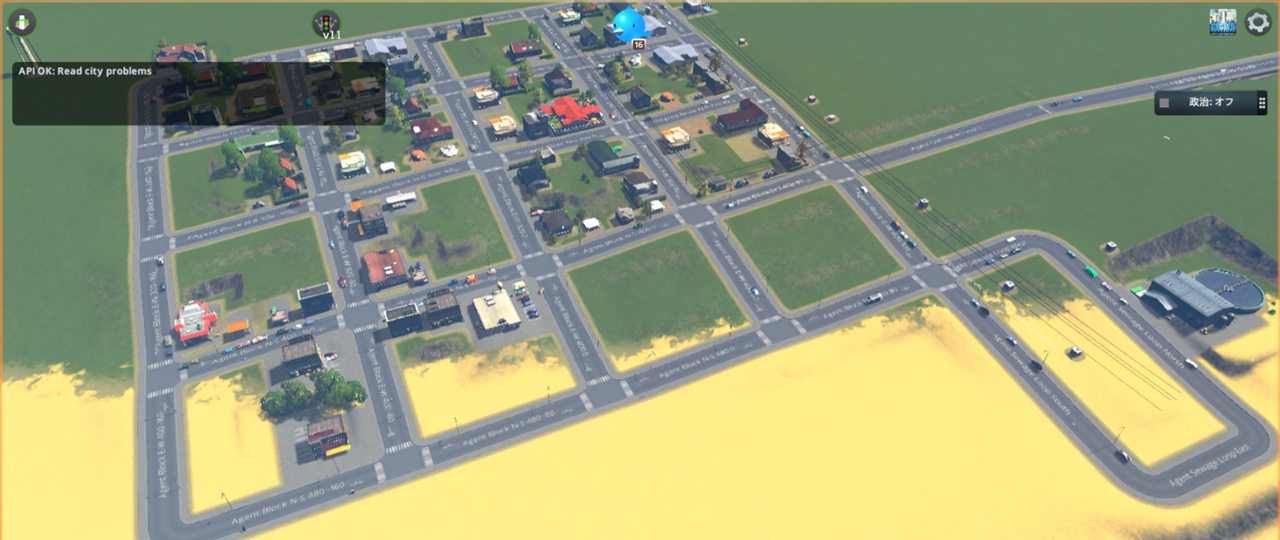
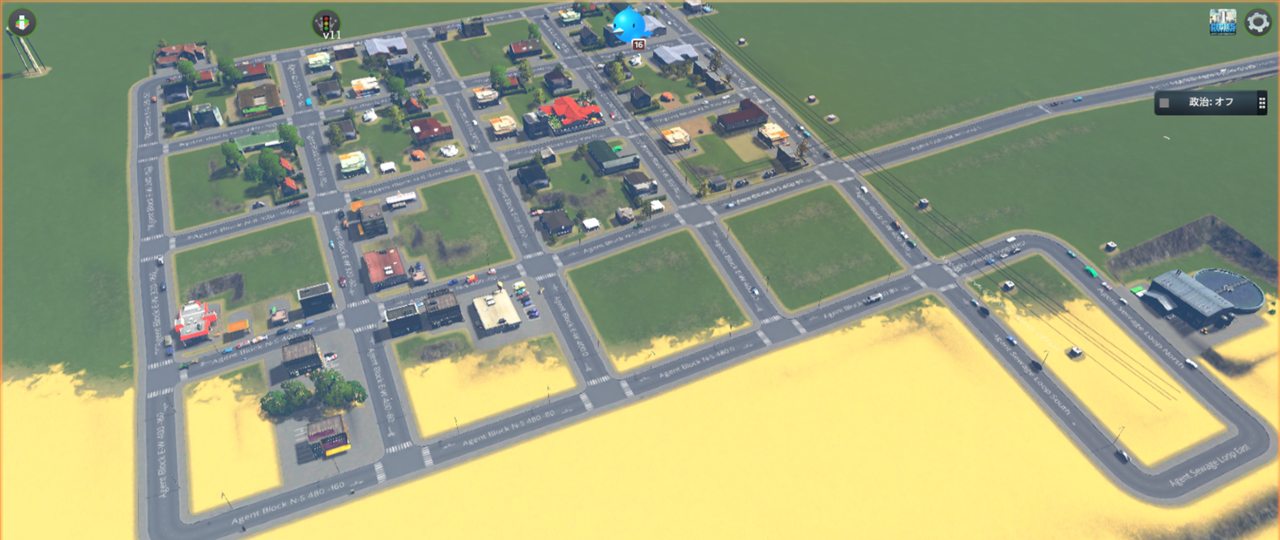
http://127.0.0.1:32123都市ロード中にゲーム状態へ触る API を呼ぶと、CS1 の UI に数秒間の通知が表示されます。/health は都市ロード前にも呼ばれるため通知対象外です。
エージェントワークフロー
- API から状態を読む。
- 必要な小さな変更を決める。
- 1つの command API を呼ぶ。
- シミュレーションを少し進める。
- 状態を再取得する。
- 保存して、保存ファイルを確認する。
GET /health
都市ロードを必要とせず、ブリッジ状態を返します。
GET /state/summary
ゲーム時刻、build index、ネットワーク数、人口、需要などの小さな都市サマリーを返します。
GET /state/demand
CS1 UI に表示される3本の需要バー、住宅・商業・職場需要を返します。値は 0..100 です。
Invoke-RestMethod http://127.0.0.1:32123/state/demandGET /state/chirps
CS1 の message manager から、最近の Chirper/市民メッセージを返します。 送信者名、sender id、本文、メッセージ種別、取得できる場合は message id やタグも含みます。 住宅需要、税金、交通、サービス、市民満足度などの声を OCR なしで読むための API です。
Invoke-RestMethod "http://127.0.0.1:32123/state/chirps?limit=50"GET /state/zones
ゾーン種別ごとのセル数と概算面積を返します。CS1 の zoning cell は 8m x 8m として扱い、areaSquareMeters は住宅・商業・産業・オフィス・未指定の面積比較に使うための概算値です。
Invoke-RestMethod http://127.0.0.1:32123/state/zonesGET /state/growables
既に建っている住宅・商業・産業・オフィスの growable 建物を返します。 service、subService、建物サイズ、位置、有効/廃墟状態、問題フラグを含むため、ゾーンを塗る前に既存の街区を避けられます。
Invoke-RestMethod "http://127.0.0.1:32123/state/growables?limit=500"GET /prefabs/roads
道路として扱える読み込み済み NetInfo prefab を返します。
GET /prefabs/networks
読み込み済み network prefab を返します。任意で service filter を指定できます。
GET /prefabs/networks?service=WaterGET /prefabs/buildings
読み込み済み building prefab を返します。任意で service filter を指定できます。
GET /prefabs/buildings?service=Electricity既知の壊れた/使用禁止 building asset はこの一覧から除外します。現在は Block Services - ... 系を除外します。
GET /state/problems
スクリーンショットや画像認識ではなく、CS1 データから問題アイコンを返します。
GET /state/problems?limit=200レスポンスには従来の結合済み problems 文字列に加えて、個別判定しやすい problemNames、problem1Raw、problem2Raw、countsByProblem も含まれます。 これにより TaxesTooHigh のようなアラートを、major/fatal と組み合わさって いても拾えます。 building では Abandoned、BurnedDown、Collapsed、Flooded、 RoadAccessFailed のようなアラート相当のフラグも拾います。
対象 entity type:
buildingnetNodenetSegment
GET /state/economy
住宅・商業・産業・オフィス系ゾーンの税率を返します。aggregateTaxRates は CS1 の予算 UI に表示される6つの税率スライダーと同じ値です。
Invoke-RestMethod http://127.0.0.1:32123/state/economyGET /state/facilities
現在の建物を CS1 service ごとに返します。施設には prefab footprint と回転も含まれるため、道路を貫通するような配置を避けやすくなります。
通常は Water Pipe Junction や Heating Pipe Junction のような内部ヘルパー建物を除外します。必要な場合だけ includeMapObjects=true を渡します。
Invoke-RestMethod http://127.0.0.1:32123/state/facilities?limit=500
Invoke-RestMethod http://127.0.0.1:32123/state/facilities?service=HealthCare
Invoke-RestMethod http://127.0.0.1:32123/state/facilities?includeMapObjects=true
GET /state/networks
道路、配管、暖房管、電線などのネットワークセグメントを返します。
Invoke-RestMethod http://127.0.0.1:32123/state/networks?service=Road
Invoke-RestMethod http://127.0.0.1:32123/state/networks?limit=1000
GET /state/road-anomalies
画面上は接続して見えても、CS1 の道路グラフ上は接続していない形状を検出します。 短い不要スタブ、近接した未接続端点、同じノード間に重複した道路に加えて、同じ高さでほぼ重なっている道路、同じ高さで交差しているのにノード共有していない道路、 周囲地形と大きく段差がある埋没・崖化した道路も検出します。 roadBelowLocalGrade は、Agent が作った地表道路だけが周囲の街路より大きく 沈んでいるケースを返します。
Invoke-RestMethod "http://127.0.0.1:32123/state/road-anomalies?nearMissDistance=18&shortSegmentLength=32&includeDeadEnds=true"GET /state/external-connections
街のローカル道路コンポーネントが CS1 の外部道路ノードにつながっているかを 返します。高速道路が見えているのに外部から車が来ない場合の確認に使えます。
Invoke-RestMethod "http://127.0.0.1:32123/state/external-connections?limit=50"cityConnectedToOutside、disconnectedLocalRoadComponents、外部ノード数、 道路コンポーネント概要を返します。
GET /state/building-anomalies
サービス施設の footprint が道路セグメントと交差していないかを検出します。
Invoke-RestMethod http://127.0.0.1:32123/state/building-anomalies?limit=200GET /state/zone-anomalies
CS1 の zoning block を直接読み、斑になった区画をスクリーンショットなしで検出します。 円形塗りや重ね塗りのあとに、住宅・商業・産業・オフィス・未指定が同じブロック内で混ざった状態を拾うための API です。
Invoke-RestMethod "http://127.0.0.1:32123/state/zone-anomalies?limit=200&includeUnzonedHoles=true"検出する anomaly type:
mixedZoneBlock: 1つの zoning block 内に、住宅と商業など複数のゾーン種別が混ざっている。patchyUnzonedHoles: ほぼ1種類のゾーンだが未指定セルが多く、塗り残しの穴に見えやすい。
POST /commands/build-network
道路、配管、暖房管、電線を作成する汎用 network 作成 API です。初期互換のため、request field は roadPrefab のままです。
{
  "dryRun": true,
  "roadPrefab": "Basic Road",
  "start": { "x": 0, "z": 0 },
  "end": { "x": 80, "z": 0 },
  "name": "Agent Test Road"
}
POST /commands/build-road
/commands/build-network の互換エイリアスです。
POST /commands/set-zone
既存の zoning block にゾーンを塗ります。
{
  "dryRun": true,
  "preserveOccupied": true,
  "zone": "ResidentialLow",
  "center": { "x": 40, "z": 0 },
  "radius": 32
}
preserveOccupied は既定で true です。既存の住宅・商業・産業・オフィス・公共サービス・公園・モニュメント建物がある zoning block はスキップし、広めのゾーン操作で発展済み区画を上書きしないようにします。
POST /commands/repair-zones-to-growables
既存の growable 建物がある zoning block を、最寄りの住宅・商業・産業・オフィス建物に合わせて修復します。 住宅と商業が同じ距離にあるような曖昧な混在ブロックはスキップします。
{
  "dryRun": true
}
POST /commands/repair-zone-clusters
街区全体がまだらに見える 80m 単位の zoning cluster を修復します。 未ゾーン穴を埋められます。既定では既存 growable 建物がある block では最寄り建物のゾーンを優先し、街区の支配色だけで発展済み建物を別用途に変えないようにします。
{
  "dryRun": true,
  "includePatchy": true,
  "fillUnzoned": true,
  "preferGrowableZone": true,
  "gridSize": 80
}
POST /commands/place-building
指定 prefab の建物を配置します。
{
  "dryRun": true,
  "buildingPrefab": "Wind Turbine",
  "position": { "x": 300, "z": 200 },
  "angleDegrees": 0
}
POST /commands/move-building
既存建物を同じ prefab で新しい位置へ作り直し、古い建物を削除します。
{
  "dryRun": false,
  "id": 123,
  "position": { "x": 340, "z": 200 },
  "angleDegrees": 180
}
POST /commands/set-building-active
既存建物を id 指定でオン/オフします。
{
  "id": 123,
  "active": false
}
POST /commands/disable-blocked-assets
CS1 の package asset state 上で既知の壊れたアセットを無効化し、ゲームが使用しないようにします。現在は Block Services - ... 系を対象にします。
Invoke-RestMethod -Method Post -Uri http://127.0.0.1:32123/commands/disable-blocked-assetsPOST /commands/bulldoze
問題のある building、netSegment、netNode を削除します。
$body = @{
  entityType = "netSegment"
  id = 21778
  keepNodes = $false
} | ConvertTo-Json

Invoke-RestMethod -Method Post -Uri http://127.0.0.1:32123/commands/bulldoze -Body $body -ContentType "application/json"
POST /commands/save
CS1 の通常 UI と同じ SavePanel.SaveGame 経由で保存をリクエストします。.crp 書き込みは非同期なので、/state/saves で確認します。
GET /state/saves
ローカル .crp セーブを path、timestamp、file size 付きで返します。
POST /commands/set-simulation-speed
{
  "paused": false,
  "speed": 3
}
speed は 1..3 に clamp されます。停止したい場合は paused: true を使います。これにより、ゲームUIの速度ボタンは有効な状態のまま保たれます。
POST /commands/set-tax-rate
ゾーン系サービスの税率を設定します。service、subService、level を省略すると 広い範囲へ適用します。dryRun: true で対象行だけ確認できます。
{
  "dryRun": false,
  "service": "Commercial",
  "rate": 9
}
主な service は Residential、Commercial、Industrial、Office です。 rate は 0..29 です。
POST /commands/batch
複数コマンドをまとめます。現在の supported command type は build-road と set-zone です。