
Proxmox LXC deployment
The verified deployment uses a dedicated, privileged Ubuntu 24.04 LXC. OpenFace still runs as one Docker Compose project inside the container, while Proxmox provides resource limits, snapshots, and host boot integration.
Verified profile
| Setting | Value |
|---|---|
| LXC ID / hostname | 101 / openface |
| CPU / memory / swap | 6 cores / 8 GiB / 4 GiB |
| Root disk | 80 GiB on local-lvm |
| Network | vmbr0, DHCP |
| Container mode | privileged |
| Features | nesting=1,keyctl=1 |
| Boot | onboot=1 |
OpenFace Spaces build and start sibling Docker containers, so nested Docker must work. Add these lines to /etc/pve/lxc/<VMID>.conf and restart the LXC:
features: nesting=1,keyctl=1
lxc.apparmor.profile: unconfined
lxc.cgroup2.devices.allow: a
lxc.cap.drop:
This relaxes isolation for this LXC. Treat it as a trusted application host and do not allow untrusted users to publish runnable Space Dockerfiles.
Install the runtime
Run inside the LXC:
apt-get update
apt-get install -y ca-certificates curl git openssh-server rsync
curl -fsSL https://get.docker.com | sh
systemctl enable --now docker ssh
docker run --rm alpine echo nested-docker-ok
Clone and configure OpenFace:
git clone https://github.com/Sunwood-ai-labs/OpenFace.git /opt/openface
cd /opt/openface
cp .env.example .env
sed -i 's|^PUBLIC_BASE_URL=.*|PUBLIC_BASE_URL=https://<LXC-IP>:8443|' .env
docker compose up -d --build
Open https://<LXC-IP>:8443 or use http://<LXC-IP>:8090 for local webviews that reject self-signed certificates.
PostgreSQL persistence
For upgrades of an existing LXC, follow the upgrade and data retention runbook first. This page describes the deployment-specific backup commands; it is not a substitute for the preflight, migration, and post-upgrade comparison checklist.
Compose starts one PostgreSQL 17 service with three databases. A v0.4.0 installation that has not completed the v0.5.0 migration still keeps pipeline audit/history and reconciliation state in the legacy SQLite file /data/agents/pipelines/pipeline-audit.db inside the openface_agent-metrics-data volume; it is not part of the openface_metrics dump. OpenFace v0.5.0 stores the authoritative state in the openface_pipeline schema of openface_metrics. Follow the explicit pipeline migration procedure before accepting new pipeline writes on an upgraded host.
| Database | Owner |
|---|---|
forgejo | Forgejo repositories, users, issues, PRs, and Actions metadata |
openface_metrics | browser views, agent views, likes, and agent identities |
openface_maintenance | webhook delivery and maintenance job state |
Repository files, LFS objects, tokens, agent credentials, runner registration, and any pre-migration pipeline SQLite file remain in named Docker volumes. If the MCP profile is enabled, also back up openface_mcp-state and the operator-selected OPENFACE_MCP_STATE_DIR bind mount separately; the latter contains the registry and lifecycle-audit files and is not a named volume.
backup_dir="${BACKUP_DIR:-/opt/openface-deploy}"
postgres_user="${POSTGRES_USER:-$(sed -n 's/^POSTGRES_USER=//p' .env | head -n 1)}"
postgres_user="${postgres_user:-openface}"
umask 077
mkdir -p "$backup_dir"
docker exec openface-postgres pg_dump -U "$postgres_user" -Fc forgejo \
  > "$backup_dir/forgejo.dump"
docker exec openface-postgres pg_dump -U "$postgres_user" -Fc openface_metrics \
  > "$backup_dir/openface_metrics.dump"
docker exec openface-postgres pg_dump -U "$postgres_user" -Fc openface_maintenance \
  > "$backup_dir/openface_maintenance.dump"
The repository includes scripts/restore_lxc_deployment.sh for restoring the three dumps and the named-volume archives into a prepared checkout. With OPENFACE_MCP_ENABLED=1, the helper requires and restores the MCP named volume, bind archive, and protected credential files; pass replacement target paths through the corresponding OPENFACE_MCP_*_FILE variables. Secrets stay out of the manifest and Git.
Verified result
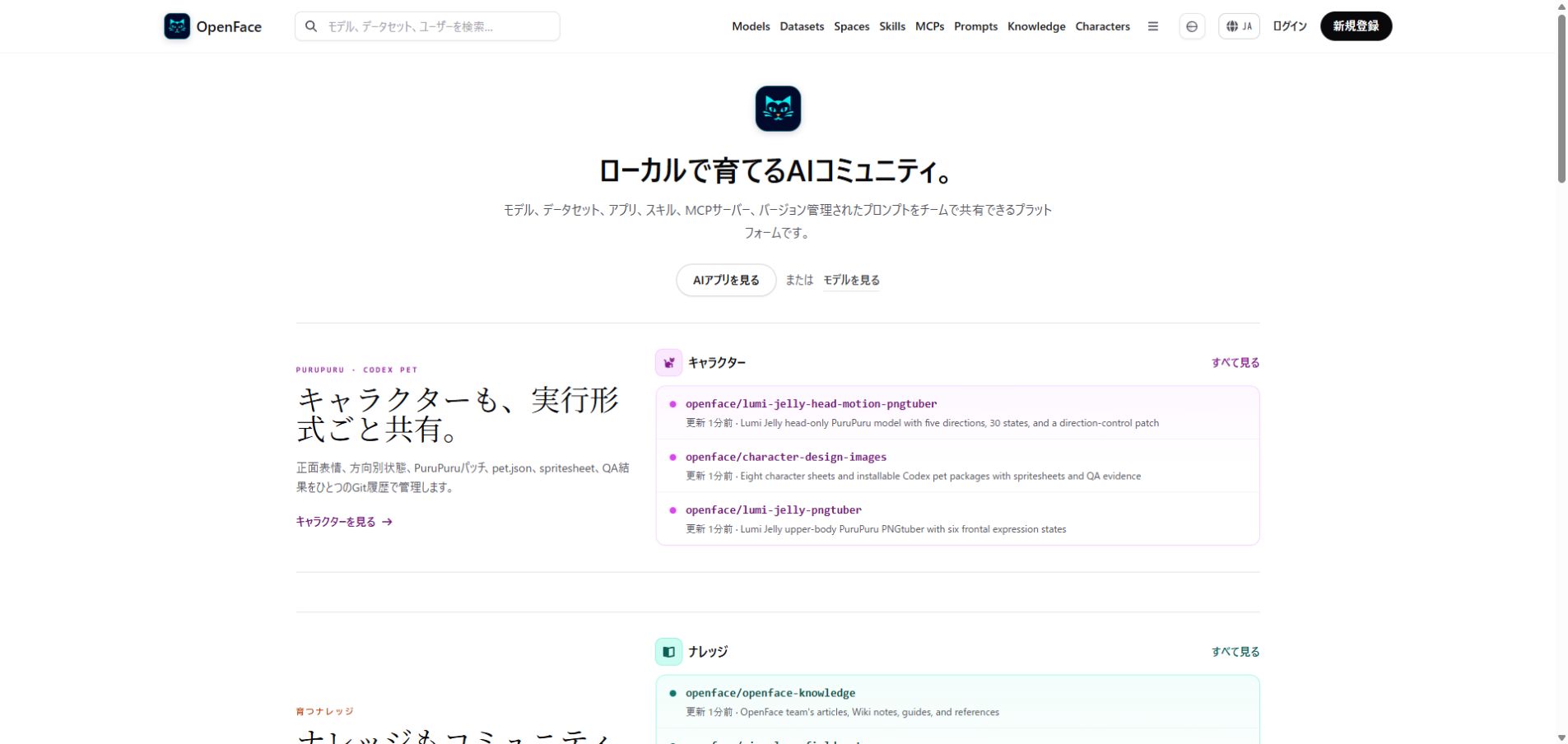
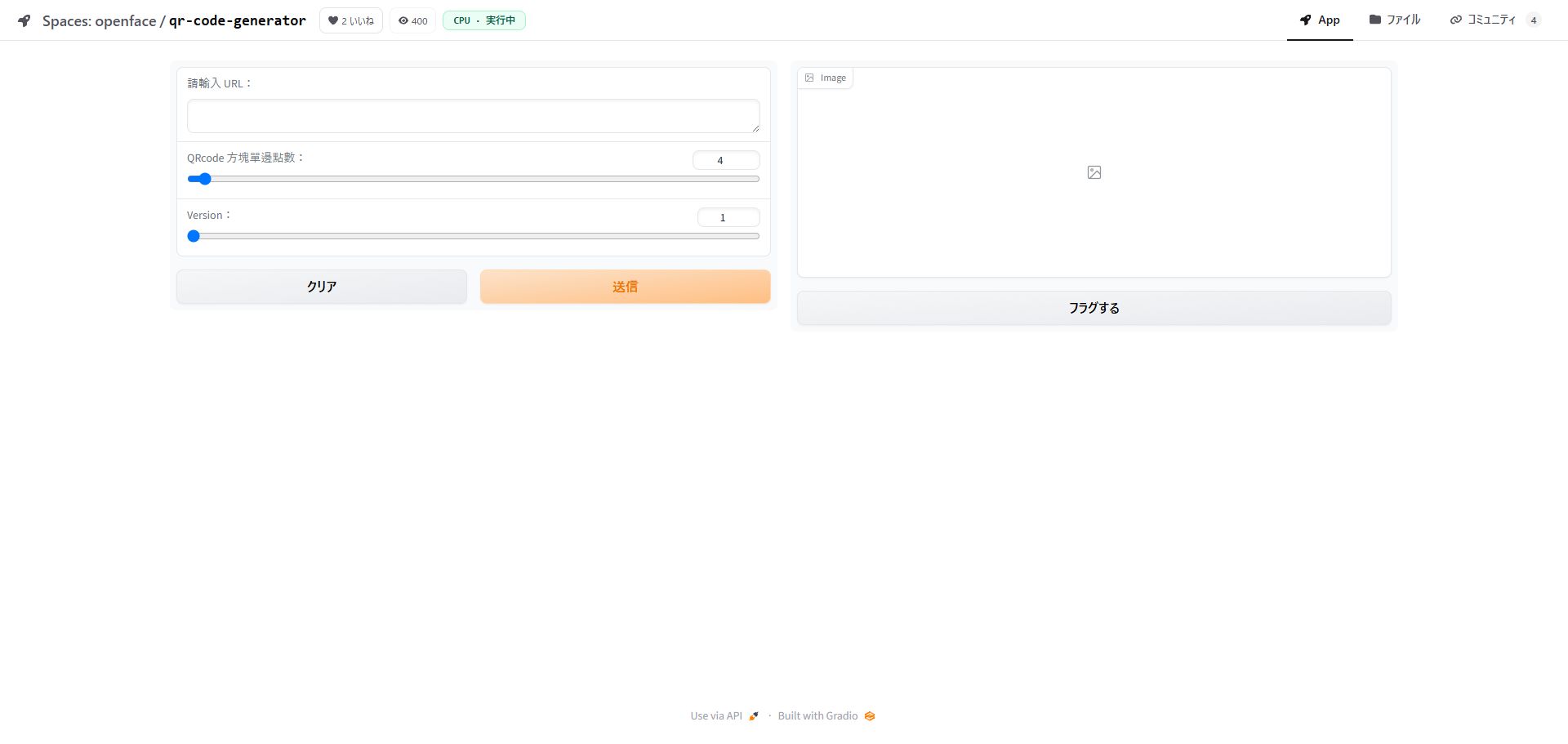
The migration preserved 105 repositories, 53 issues, 280 repository-view rows, and 25 maintenance jobs. The QR Code Generator Space was built inside the LXC, served through the gateway, and remained running after a full LXC restart.
| LAN home | Running Docker Space |
|---|---|
 |  |