v0.2.1 Release Notes
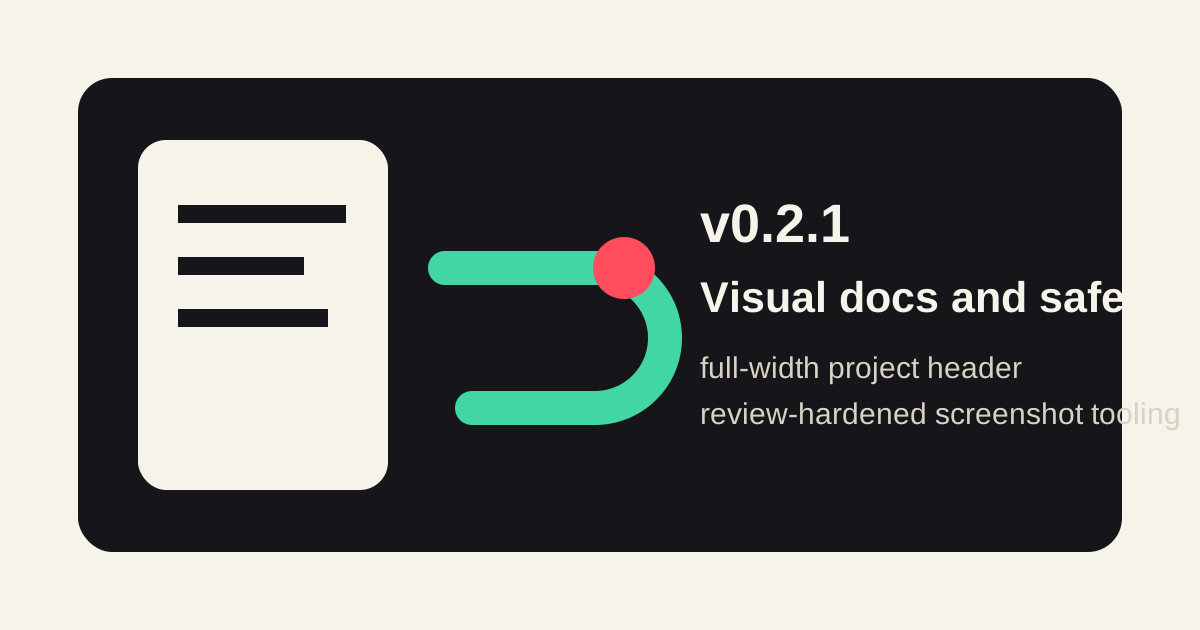
v0.2.1 is a visual documentation and safety polish release. It covers the changes from v0.2.0 through the v0.2.1 tag and focuses on making the public README/docs easier to inspect while hardening the screenshot tooling that generates the evidence images.
Highlights
- The README now opens with a full-width project header image that shows the local-first bridge flow, token-protected access, desktop/mobile control, and the Codex app-server boundary.
- The English and Japanese docs home pages now carry the same project header so GitHub and the published docs tell the same visual story.
- README evidence screenshots were reorganized into desktop theme comparisons and mobile workflow grids, making the simple, cyberpunk, and botanical themes easier to compare.
- The phone bridge operator docs now call out tokenized URL handling,
Ctrl+Cshutdown, restart expectations, and the risk of unauthenticated public tunnels.
Screenshot Tooling
npm run screenshots:readmenow captures the README evidence set through a Playwright-based mock app-server and bridge API.- The script captures desktop themes, mobile settings states, the artifact preview, the thread drawer, composer controls, and the model menu from deterministic mock data.
mobile-responsive-chat.pngis captured after a composer state change so it no longer duplicates the plain mobile layout frame.- The local mock file server rejects sibling-prefix path traversal and symlink escapes before serving files from
public/or the repository root. - Browser-launch failure cleanup now closes the local screenshot HTTP server, avoiding a hung process when Playwright cannot start.
Safety And Docs
SECURITY.md, README, and the phone bridge guides now reinforce that the printed?token=...URL is a local access key.- The docs recommend SSH forwarding, a VPN, or a trusted mesh network for access outside a trusted LAN.
- Startup notification guidance still treats notification targets as private because they can include tokenized bridge URLs.
Validation
npm test(20 tests)npm run checknpm run docs:buildnode --check scripts/capture-readme-screenshots.jsgit diff --checknpm run screenshots:readme- GitHub Actions
verifyon PR #4
Read the companion walkthrough: v0.2.1 Visual Docs And Safety Walkthrough.