
v0.2.1 Visual Docs And Safety Walkthrough
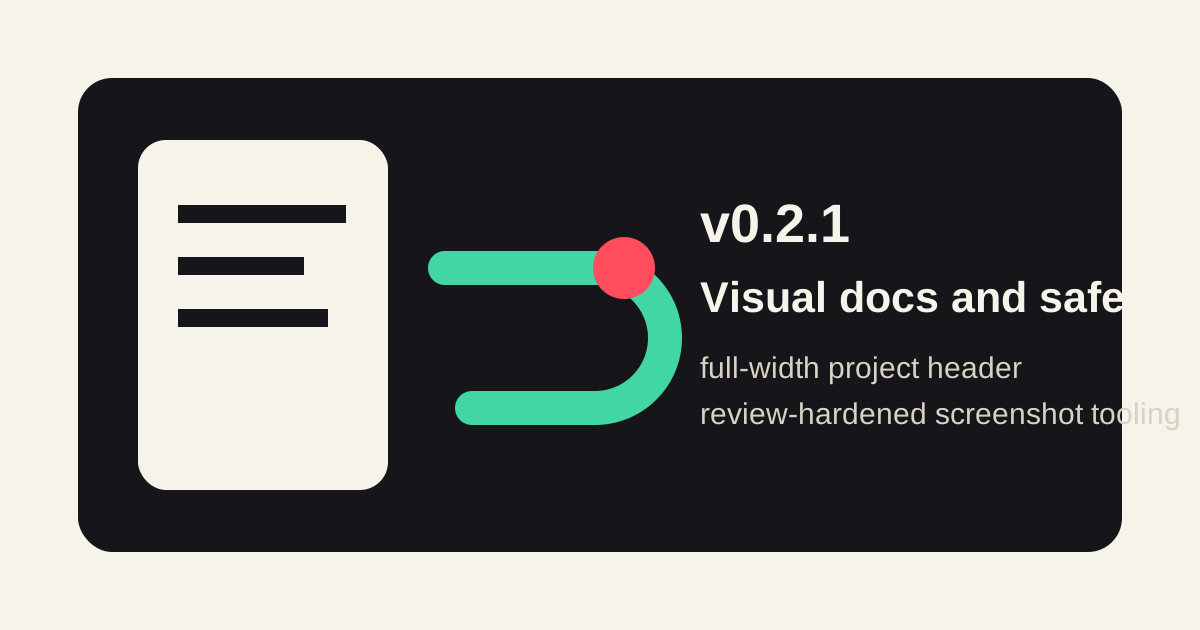
v0.2.1 is a small release, but it changes how quickly a new reader can understand the project. The public entrypoints now start with the same full-width header artwork, then move into real screenshots of the bridge UI and the safety rules that matter when a tokenized LAN bridge is involved.
Start With The Boundary
The new header image shows the phone browser, the local bridge, and the Codex app-server as separate pieces. That is the core operating model: keep Codex bound to localhost and expose only the token-protected bridge on the LAN.
The same image appears in the English README, the Japanese README, and both docs home pages. The docs are now less dependent on a reader already knowing what "remote control" means in this repository.
Compare The UI States
The README evidence section now groups screenshots by job:
- desktop theme comparison for simple, cyberpunk, and botanical themes
- mobile flow screenshots for the compact layout, responsive chat, drawer, settings, composer controls, and model menu
- artifact preview evidence for local repository images
This keeps visual QA close to the public docs. A contributor can update the bridge UI and immediately see which README evidence images need to be regenerated.
Regenerate Evidence With One Script
The release adds npm run screenshots:readme, backed by scripts/capture-readme-screenshots.js. It launches a local mock server, provides deterministic thread/config/model/artifact data to the browser, and captures the README screenshots from Playwright.
The script is intentionally local. It uses a fixed documentation token, localhost binding, and mocked API routes so the captured states are repeatable without a real Codex session.
Harden The Helper
Review feedback led to three important hardening changes:
- file serving now checks directory boundaries with normalized paths and real paths
- symlink escapes from the allowed directories are rejected
- the local HTTP server is closed even when Chromium fails to launch
The new scripts/capture-readme-screenshots.test.js covers sibling-prefix traversal and symlink escape cases so this does not regress silently.
Keep Tokens Private
The operator-facing docs now say the quiet part directly: the printed ?token=... URL is a local access key. It should not appear in public issues, shared chats, screenshots, or streams.
For access outside a trusted LAN, v0.2.1 keeps the recommendation narrow: put SSH forwarding, a VPN, or a trusted mesh network in front of the bridge instead of publishing a raw unauthenticated tunnel.
Validation Trail
The release was checked with the Node test suite, syntax checks, VitePress build, README screenshot regeneration, whitespace diff validation, and GitHub Actions on PR #4.