Localhost-first
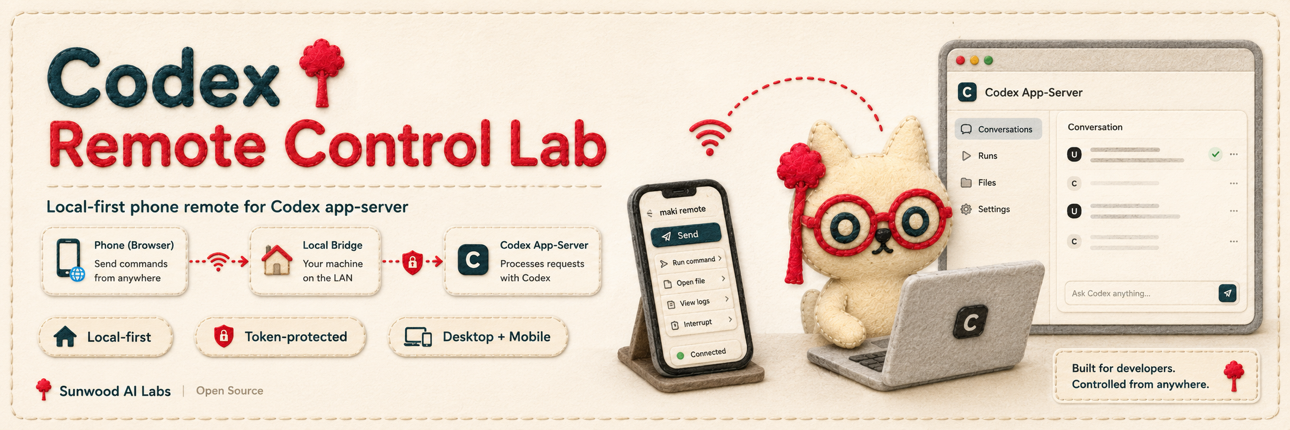
The Codex app-server examples bind to 127.0.0.1. The LAN-facing surface is the Node bridge.
Keep Codex bound to localhost, expose only a token-protected LAN bridge, and continue the same thread across PC and mobile.

npm ci
npm run phone
Open the printed URL from a phone or another browser on the same Wi-Fi/LAN. The phone can drive the desktop Codex session, and another browser can resume the same bridge-managed thread.
For protocol-only testing, run the app-server and probe from separate terminals:
npm run server:ws
npm run probe:wsphone browser -> http://Mac-LAN-IP:45214 -> Node bridge -> ws://127.0.0.1:45213 -> Codex app-serverThe app-server remains local. The bridge requires a token on page, API, and WebSocket requests by default. For host-only UI debugging, PHONE_DEBUG_NO_TOKEN=1 npm run phone binds the bridge to 127.0.0.1 and omits the token. For intentional tokenless LAN debugging on a trusted private network, add PHONE_DEBUG_BIND=lan.