GeminiVRM v0.2.0 Podcast Mode Guide
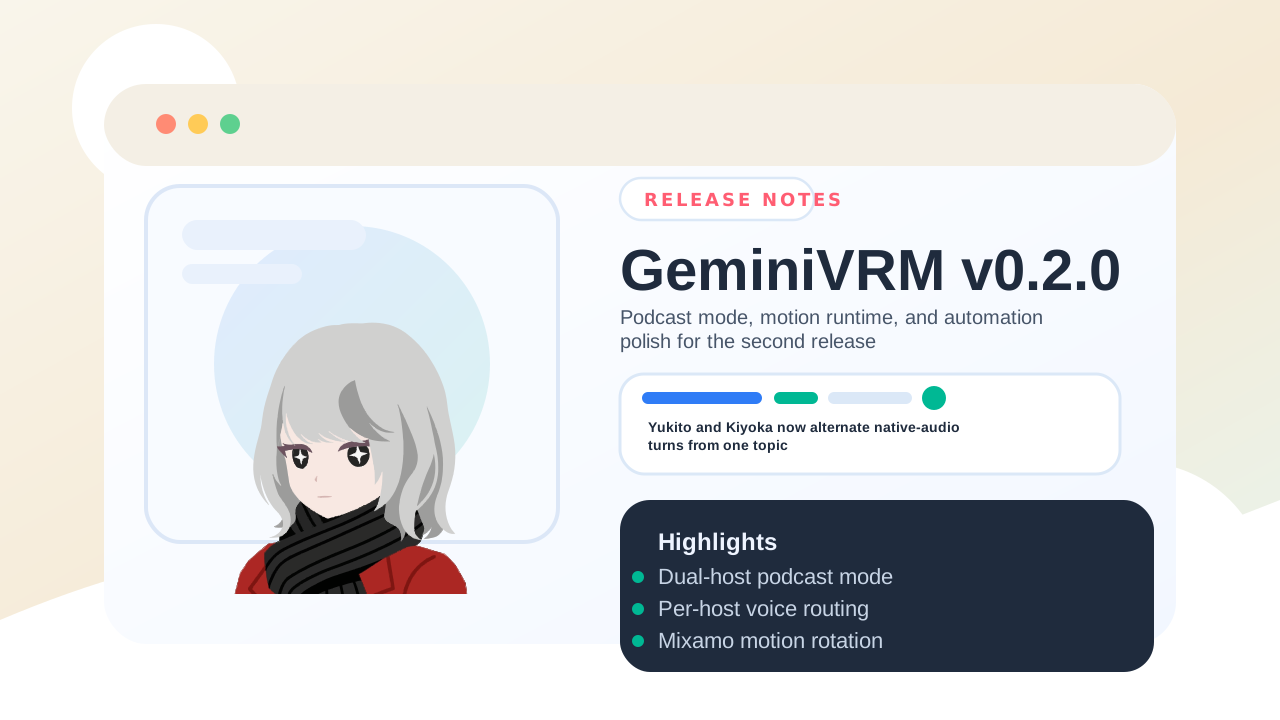
What Changes For You
- One topic can now drive a capped Yukito/Kiyoka back-and-forth instead of only a single-avatar reply flow.
- Podcast mode has its own turn cap and voice routing, so you can keep single-character chat settings separate from dual-host experiments.
- The viewer runtime feels more alive because bundled Mixamo idle clips now rotate by default and talking motion swaps in during speech.
Quick Podcast Walkthrough
- Open
Settingsand switchConversation modetoPodcast mode. - Wait for both bundled hosts to finish loading.
- Open
Podcast settingsif you want to change the loop cap or assign different prebuilt voices to Yukito and Kiyoka. - Enter one topic and send it.
- Watch the stage alternate speakers until the configured turn cap is reached.
Runtime Notes
- Podcast mode is intentionally turn-based. It does not try to overlap both hosts speaking at once.
- Later turns reuse the previous speaker's audio as Gemini Live input when possible.
- If audio relay reuse fails, GeminiVRM falls back to transcript-driven continuation instead of cancelling the run.
- Motion changes apply across chat and podcast mode, with
Random Idlenow rotating the bundled Mixamo clips.
Automation Hooks
- Browser-side automation can query state or drive sends through
window.geminiVrmControl. - The
postMessagebridge can switch modes, update podcast settings, change motion presets, and reset the active log. - Production use still requires the external-control gate to be explicitly enabled.
Read The Full Release Notes
Validation Before Sharing
npm run lintnpm run buildnpm run docs:build$env:BASE_PATH='/GeminiVRM'; npm run build:pagesnpm run e2e:smokepowershell -ExecutionPolicy Bypass -File D:\Prj\gh-release-notes-skill\scripts\verify-svg-assets.ps1 -RepoPath . -Path public/favicon.svg,docs/public/releases/release-header-v0.2.0.svgnpm run verify:release-header-layout -- --input docs/public/releases/release-header-v0.2.0.svgpowershell -ExecutionPolicy Bypass -File D:\Prj\gh-release-notes-skill\scripts\verify-release-qa-inventory.ps1 -RepoPath . -Tag v0.2.0