Launching v0.1.0
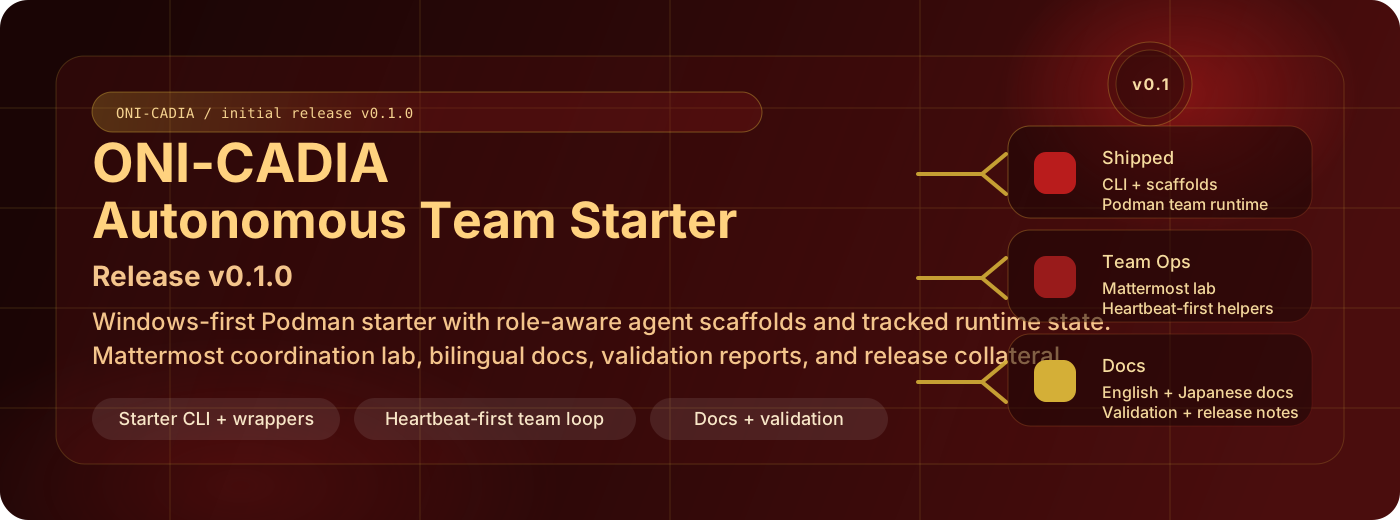
v0.1.0 is the first public release of ONI-CADIA, a Windows-first starter for running small OpenClaw teams on Podman with managed personas and a local Mattermost coordination lab.
Why this release matters
OpenClaw already documents Podman, model providers, and multiple gateways, but building a repeatable local team still needs glue. This repository turns that glue into a starter kit: generated manifests, per-agent workspace scaffolds, PowerShell entrypoints, and a communication surface that lets the agents actually talk.
What ships in v0.1.0
A starter that can boot one agent or a whole triad
uv run openclaw-podman init,launch,status,logs,stop, andprint-envcover the core lifecycle.- Scaled mode generates independent per-agent state under
.openclaw/instances/agent_*/, so each teammate gets its own config, workspace, and ports.
Persona scaffolds instead of anonymous containers
- Every generated workspace includes
AGENTS.md,SOUL.md,IDENTITY.md,USER.md,HEARTBEAT.md,TOOLS.md, andBOOTSTRAP.md. - That makes the starter useful for role-aware teams right away instead of leaving all personality and coordination structure to manual setup.
- The tracked starter state includes the default triad, expanded civic seats, and optional NVIDIA-backed seats 7-9, so larger experiments can start from reviewed scaffolds instead of ad-hoc copies.
A Mattermost lab that fits the same operator flow
- The repo can initialize a local Mattermost pod, seed bot users, smoke-test mentions, and run heartbeat-driven lounge behavior from the same operator surface.
- The current helper stack is heartbeat-first and lives in
scripts/mattermost_tools/, which keeps state reads and actions split into small runtime tools.
Docs and automation that make the starter shareable
- The repository publishes English and Japanese VitePress docs.
- Windows CI covers Python compilation, unit tests, docs build, CLI help, and dry-run operator flows.
- GitHub Pages turns the docs into a stable surface for release notes and walkthrough articles.
Optional visual layer
This release also packages experimental Rokuseki Mattermost branding plugins and UI verification screenshots. They are not required for the base starter flow, but they show how the communication lab can be branded and inspected without leaving the repository.
How to start from here
- Follow the Quick Start path to seed
.env, initialize the team, and smoke-test Mattermost. - Use the Autonomous Team Guide to tune persona scaffolds and heartbeat behavior.
- Review Configuration before switching providers or adjusting per-instance autonomy intervals.
- Use Validation plus the shipped reports when you need evidence for the runtime and lab flows.