GeminiVRM v0.3.0 Runtime And Benchmark Guide
What Changes For You
- Character chat and podcast mode now target
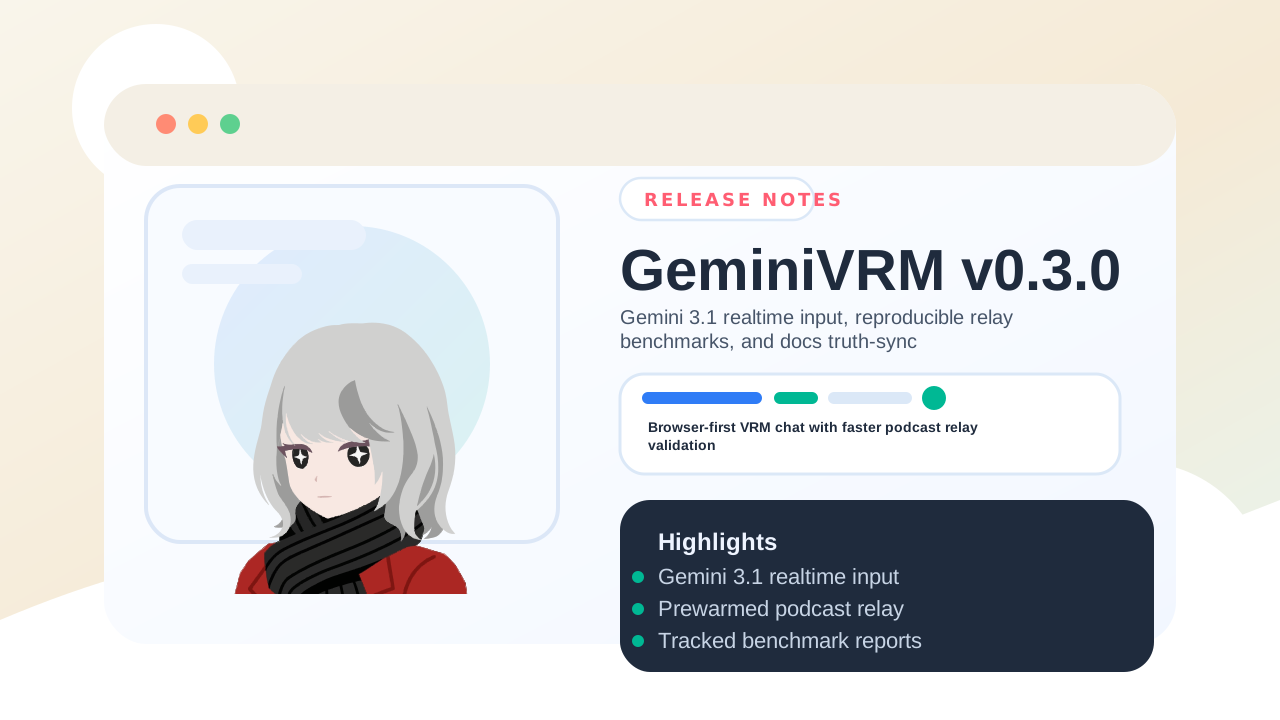
gemini-3.1-flash-live-previewdirectly, so runtime errors point at the real Gemini Live request path instead of an automatic fallback model. v0.3.0is also the release that introduced the streaming podcast relay path itself: the app can now prewarm the next speaker turn and stream the current speaker's live audio into it.- That streaming relay path is why the tracked benchmark snapshot now shows much lower first-audio and handoff latency than the batch relay path: first audio is about
8.94xfaster and handoff silence is about5.18xshorter on the checked-in run set. - The repository now includes a repeatable benchmark/report pipeline that writes raw artifacts outside the watched workspace and publishes stable docs assets for the latest snapshot.
Recommended Runtime Flow
- Keep the live model on
gemini-3.1-flash-live-previewunless you are intentionally testing another Gemini Live surface. - Use
Character chatfor single-avatar replies andPodcast modewhen you want Yukito and Kiyoka to alternate a capped number of turns. - If a relay run fails, inspect the surfaced Gemini Live error first. GeminiVRM no longer hides that failure behind an older-model retry path.
- Treat
Settingsradio groups and chat labels as the quickest way to confirm the active mode, current loop cap, and whether messages came from podcast, YouTube, system, or direct chat input.
Benchmark Workflow
Use this flow when you want to validate or regenerate the checked-in podcast latency snapshot:
- Start the app locally and ensure a Gemini API key is available to Playwright.
- Run
npm run e2e:podcastfor a direct relay smoke pass. - Run
npm run bench:podcast-relayfor the repeatable benchmark set. - Run
npm run report:podcast-benchmarkto rebuild the bilingual SVG/PNG charts plus the JSON/CSV history. - Run
node scripts/verify-podcast-benchmark-layout.mjs --input docs/public/benchmarks/podcast-benchmark-en.svgand the same command forpodcast-benchmark-ja.svg.
For non-ASCII topics, use npm run bench:podcast:topic -- <topic-file>. If you override the artifact directory, keep E2E_BENCH_OUTPUT_DIR outside the repository so next dev does not reload mid-run.
Current Snapshot
- Topics:
Today's Meal,AGI,AI Consciousness - Turn count:
6 - Repetitions:
3per mode - Streaming first audio mean:
1.22s - Batch first audio mean:
10.91s - Streaming handoff mean:
2.30s - Batch handoff mean:
11.91s - First-audio improvement: about
8.94xfaster (88.9%lower latency) - Handoff improvement: about
5.18xshorter silence (80.7%lower latency)
See the Podcast Benchmark Report for the full table, tracked fields, and caveats.
Read The Full Release Notes
Validation Before Sharing
npm run lintnpm run buildnpm run docs:build$env:BASE_PATH='/GeminiVRM'; npm run build:pagesnpm run e2e:smokenpm run e2e:podcastnode scripts/verify-podcast-benchmark-layout.mjs --input docs/public/benchmarks/podcast-benchmark-en.svgnode scripts/verify-podcast-benchmark-layout.mjs --input docs/public/benchmarks/podcast-benchmark-ja.svgpowershell -ExecutionPolicy Bypass -File D:\Prj\gh-release-notes-skill\scripts\verify-svg-assets.ps1 -RepoPath . -Path public/favicon.svg,docs/public/releases/release-header-v0.3.0.svgnpm run verify:release-header-layout -- --input docs/public/releases/release-header-v0.3.0.svgpowershell -ExecutionPolicy Bypass -File D:\Prj\gh-release-notes-skill\scripts\verify-release-qa-inventory.ps1 -RepoPath . -Tag v0.3.0